Roofing Google Business Profile Setup: Categories, Services, and Service Areas That Rank
If you run a roofing company, your Google Business Profile (GBP) is often the difference between a phone that rings daily—and weeks of silence.
Google local rankings are driven by three factors: relevance, distance, and prominence. Your GBP setup is the foundation for all three.
Below is a practical roofing-first checklist you can follow in under an hour to improve visibility and conversions.
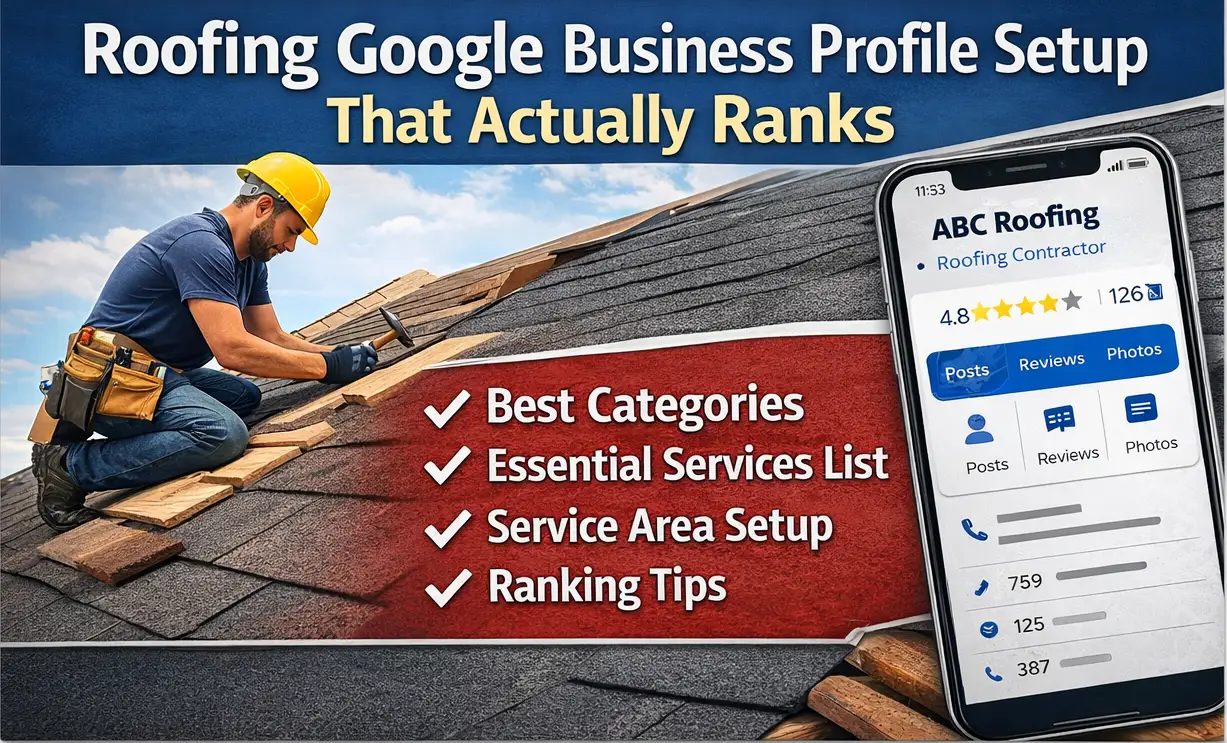
Step 1: Nail your roofing categories (your #1 “relevance” lever)
Your primary category should match the one service you most want to rank for and the core of your business. Categories tell Google what you do and what searches you’re eligible to show up for.
Common primary category picks (choose the truest #1)
- Roofing contractor (best fit for most roofers)
- Roof repair (if repairs are your main revenue driver)
- Siding contractor (only if siding is truly your primary service)
Secondary categories (only if you genuinely offer them)
- Gutter service / gutter cleaning
- Skylight installation
- Waterproofing service
- Insulation contractor
Rule: Don’t add categories for “nice-to-have” services. Overstuffing categories can dilute relevance and create trust issues if your real offering doesn’t match.
Step 2: Build a roofing services list that mirrors real searches
Services are where you turn “roofing” into the exact jobs people type into Google.
Add services you actually sell—using plain language customers use:
- Roof replacement
- Roof inspection
- Storm damage roof repair
- Emergency roof tarp / temporary repair
- Asphalt shingle roofing
- Metal roofing
- Flat roof repair (only if you do it)
- Commercial roofing (only if you do it)
- Gutter install/repair
Tip: Keep service names simple and customer-friendly. If customers say “storm damage,” don’t label it “catastrophic envelope remediation.”
Step 3: Choose the right address + service area setup (avoid ranking-killing mistakes)
Many roofers are service-area businesses (SAB). The key is choosing the setup that matches how customers interact with you.
If customers do NOT visit your location
- Hide your address
- Set your service area(s)
If customers DO visit your location (office/showroom with signage)
- Show your address
- Make sure it’s accurate and consistent everywhere online (website + listings)
Avoid this: fake suites, coworking addresses, or virtual offices. Those are common causes of suspensions for service businesses.
Service area best practice
Choose the cities/regions you truly serve. Don’t set an unrealistic service area just to “reach farther”—it rarely helps and can reduce trust.
Step 4: Complete the “trust basics” roofers skip
A complete, consistent profile builds confidence for both Google and customers.
Roofing-specific must-haves
- Hours (and holiday hours)
- Website link + a clear estimate/booking link if you have one
- Phone number that matches your website and core listings
- Business description that includes:
- Service area (the region/cities you cover)
- Specialties (metal, shingle, flat, commercial—only if true)
- Licensing/insurance language (accurate + verifiable)
- Warranty info (only if you can back it up)
Description tip: Write like a customer is comparing you to two other roofers on the same screen—because they are.
Step 5: Add roofing FAQs that pre-sell the estimate
FAQs remove friction and align your profile with buyer intent.
Use questions customers actually ask:
- “Do you work with insurance claims?”
- “Do you offer emergency tarping?”
- “How fast can you inspect after a storm?”
- “Do you offer financing?”
- “What warranties do you provide?”
This improves conversions (more calls + forms) and strengthens relevance for common roofing searches.
Step 6: The 10-minute weekly maintenance that keeps roofers winning
A lot of roofing companies don’t “lose” rankings—they simply go inactive while competitors stay visible.
Weekly routine (simple, fast, effective)
- 1 GBP post (recent job, storm prep tip, seasonal advice)
- 3 photos (jobsite, before/after, team/equipment—real beats stock)
- Respond to reviews (especially negative ones—calm, professional, specific)
Consistency builds long-term prominence, and prominence compounds over time.
Want this done automatically?
If you want your GBP kept active and optimized without babysitting it—posting, tracking, and monitoring performance—that’s what GBPRank is built for.